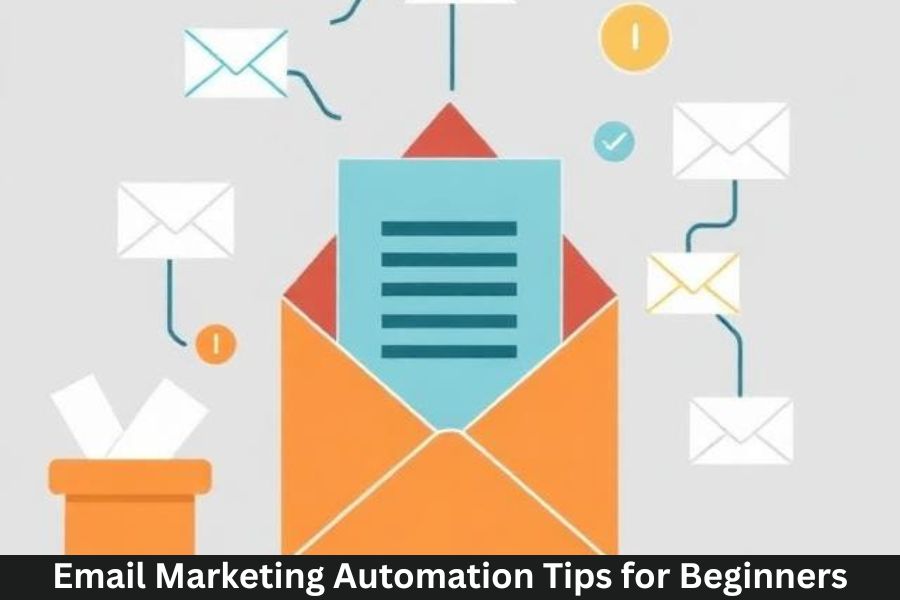
Email marketing automation is like having a personal assistant who works 24/7—sending messages, nurturing leads, and building relationships without you lifting a finger. For beginners, this can feel overwhelming at first, but once you understand how it works, it becomes one of the most powerful tools in your digital marketing toolbox.
What Is Email Marketing Automation?
Email marketing automation uses technology to send emails automatically based on specific actions, behaviors, or timelines. Instead of manually emailing every new subscriber, automation handles it for you.
Why Beginners Should Start Embracing Automation
Whether you’re a solopreneur, a small business owner, or a new digital creator, automation saves time, boosts conversions, and makes your communication more strategic rather than reactive.
Benefits of Email Marketing Automation
Saves Time and Increases Efficiency
Once your workflows are set up, your emails run on autopilot—letting you focus on your business instead of repetitive tasks.
Improves Personalization
Automation allows you to deliver personalized experiences at scale. From addressing subscribers by name to recommending products, it’s all possible.
Boosts Conversion and Engagement Rates
Automated emails are triggered when the user is most likely to engage—for example, right after signing up or leaving a product in their cart.
Helps Build Strong Customer Relationships
Consistent, valuable communication builds trust. And trust leads to repeat customers.
Understanding the Types of Automated Emails
Welcome Emails
The first impression matters. Welcome emails introduce your brand and set expectations.
Abandoned Cart Emails
These remind customers about items they left behind—helping recover lost sales.
Follow-Up and Feedback Emails
Useful for nurturing leads or collecting customer feedback after a purchase.
Product Recommendation Emails
These are based on browsing history or past purchases.
Re-Engagement Emails
Sent to inactive subscribers to bring them back before they completely tune out.
Tools You Need to Start Email Automation
Email Service Providers (ESPs)
Tools like Mailchimp, ConvertKit, and ActiveCampaign streamline automation.
CRM and Customer Data Platforms
CRMs help track customer interactions to trigger more accurate automated messages.
Templates and Automation Builders
Pre-made templates and visual builders make automation easy even for beginners.
How to Set Up Your First Automated Workflow
Identify Your Goal
Be specific. Do you want to welcome new leads? Drive sales? Re-engage inactive users?
Map the Customer Journey
Understand the path your subscribers take—from signup to purchase—to plan your automation.
Create Targeted Segments
Segmentation ensures each subscriber receives relevant content.
Build and Launch the Workflow
Use your ESP’s automation builder to create the workflow and set triggers.
Test and Tweak for Better Results
Check for errors, broken links, and timing issues before launching.
Best Practices for Effective Email Automation
Keep Emails Short and Valuable
Nobody wants to read a novel in their inbox. Provide quick wins and helpful info.
Use Personalization and Dynamic Content
Tailored content increases engagement and makes subscribers feel understood.
Don’t Over-Automate
Your email list shouldn’t feel like they’re talking to a robot.
Optimize Send Times
Use analytics to determine when your audience is most active.
Maintain Consistency in Tone and Branding
Your emails should look and sound like your brand—every single time.
Common Mistakes Beginners Should Avoid
Sending Too Many Emails
This can annoy your audience and increase unsubscribe rates.
Forgetting to Update Workflows
Your business evolves—and your workflows should too.
Ignoring User Behavior Triggers
Triggers like link clicks and product views can help send more relevant emails.
Not Monitoring Analytics
Analytics offer insights into what’s working and what needs improvement.
Tracking and Measuring Success
Open Rates
Shows how compelling your subject lines are.
Click-Through Rates (CTR)
Indicates whether users are engaging with your content.
Conversion Rates
Measures how many subscribers take action.
Customer Lifetime Value (CLV)
Shows how much value your email automation brings over time.
Advanced Tips to Scale Your Automation Later
Behavior-Based Segmentation
Segment by actions: clicks, purchases, browsing history, and more.
Multi-Step Journeys
Create more complex flows with multiple triggers and branches.
A/B Testing Automation Paths
Test different messages, timing, and sequences.
Integrating AI for Smarter Automation
AI helps predict user behavior and optimize email performance.
Conclusion
Email marketing automation is one of the most beginner-friendly ways to grow your business without constantly being glued to your laptop. It helps nurture leads, increase sales, and build long-term customer relationships—all on autopilot. Whether you’re just starting or ready to scale, these strategies will help you create impactful automated email journeys that convert.
FAQs
1. How many automated emails should I start with?
Start with one or two workflows like welcome and abandoned cart emails.
2. Do I need expensive tools to automate emails?
Not at all—many ESPs offer free automation features.
3. How often should I update my workflows?
Every 3–6 months or whenever your business strategy changes.
4. Can automation replace manual emails completely?
No, it should complement your manual campaigns, not replace them.
5. What is the most effective type of automated email?
Welcome emails typically have the highest engagement and conversions.